

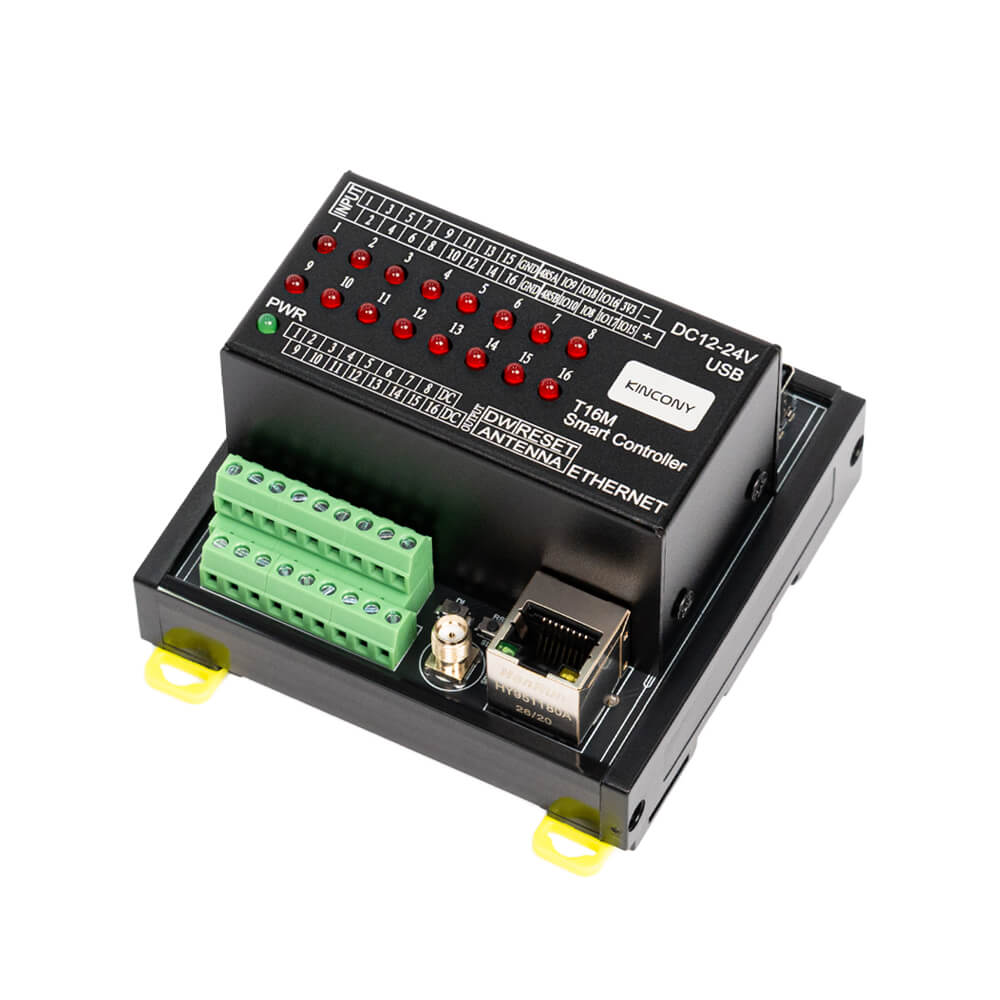


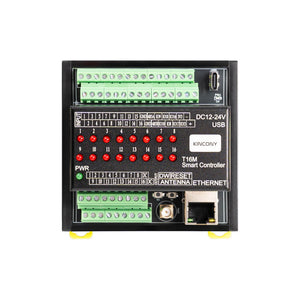
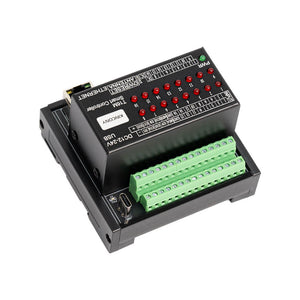
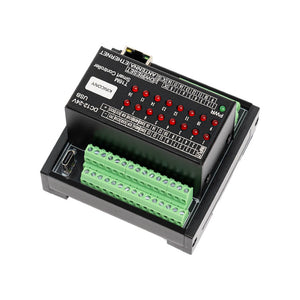
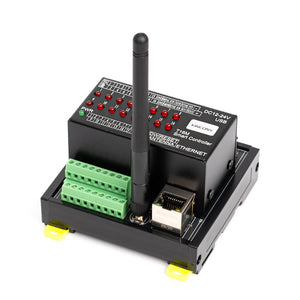
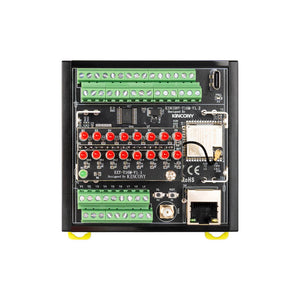
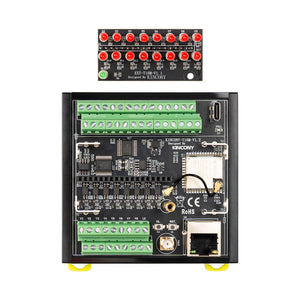
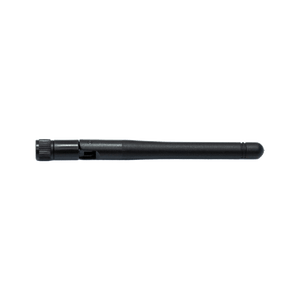
KinCony T16M 16-Channel Smart MOSFET Controller
Frequently Bought Together

Features
- Ultra-Compact 16-Channel Control — Experience high-density automation in a palm-sized footprint (87 × 83 × 56 mm). By eliminating non-essential peripherals like the OLED screen, the T16M delivers maximum channel capacity for space-constrained cabinets and distributed control nodes.
- 16 High-Speed MOSFET Outputs — Equipped with 16× MOSFET channels rated at 4A per channel (12-24V DC), providing silent, wear-free, and instant switching for LEDs, solenoids, and small DC motors.
- 16-Channel Opto-Isolated Digital Inputs — Includes 16× dry contact inputs with optocoupler isolation, supporting cable runs up to 500 meters for reliable status feedback and balanced I/O monitoring.
- Redundant Network & Industrial Bus — Dual connectivity with Wi-Fi and 100Mbps Ethernet ensures reliable local/remote access. Includes an isolated RS485 port for long-distance Modbus communication.
- Agile Development & Local Control — Fully compatible with Home Assistant (MQTT Auto-Discovery), Apple HomeKit, and KCS v3 firmware. Supports Arduino IDE, MicroPython, and ESP-IDF for full customization without vendor lock-in.
Why Choose
T-Series Positioning: The T16M belongs to KinCony's T-Series Tiny line. Designed for pure, uncompromising space efficiency, it strips away the onboard OLED display and extra peripherals found in the B-Series to deliver 16 channels of solid-state DC control in an ultra-compact, professional DIN-rail package.
- Master Space and Density — The T16M’s tiny size (87mm wide) allows you to add sophisticated 16-channel control where traditional controllers simply won't fit, maximizing panel space efficiency for distributed control nodes.
- Harness the Speed of Solid-State — Enjoy the benefits of MOSFET technology: no moving parts, silent operation, instant switching, and exceptional longevity. It is ideal for frequent cycling of DC loads without worrying about mechanical relay wear.
- Focus on Essential Control — By omitting the local screen and physical override switches, the T16M focuses purely on what matters for embedded nodes: high-density I/O, reliable network connectivity, and rock-solid stability in a smaller footprint.
- Right Choice vs B16 and B16M — Choose the T16M for pure DC switching where space is at an absolute premium. Choose the B16M if you need the same MOSFET power but prefer standard spacing and an OLED screen for local diagnostics. Choose the B16 if you require AC mains relay control with physical toggle switches.
- Own Your Automation Stack — The T16M runs your logic locally. With native Home Assistant integration and an open development environment, your automations don't depend on a third-party cloud. You retain 100% ownership of your data and rules.
Technical Specifications:
| Category | Specification |
|---|---|
| Core Processor | ESP32-S3-WROOM-1U (N16R8, dual‑core 32‑bit Xtensa LX7) |
| Digital Outputs |
16× MOSFET ▪ Max load: 4 A per channel |
| Analog Inputs | / |
| Digital Inputs |
16× dry contact, opto‑isolated ▪ Cable length: up to 500 m (dependent on installation) |
| Free GPIOs | ▪ 7× with pull-up resistance on PCB (GPIO8, GPIO9, GPIO10, GPIO15, GPIO16, GPIO17, GPIO18) |
| Wireless Connectivity | ▪ Wi‑Fi 2.4 GHz (802.11 b/g/n) ▪ Bluetooth 5.0 (BLE) |
| IoT Platform | / |
| Wired Connectivity |
▪ Ethernet: 100M RJ45 (IPv4/IPv6) ▪ RS485 ▪ USB‑C (programming) |
| Onboard Peripherals | ▪ Buttons: 2× (ESP32 Reset / ESP32 Download) |
| Power Supply | 12-24 VDC |
| Dimensions | 87 × 83 × 56 mm |
| Mounting | 35 mm DIN rail |
Enclosure Design

Top View — Compact Top Cover

Cover Detail

Back View — Plastic Base with 35 mm DIN Rail Mount

DIN Rail Base Detail — 35 mm Standard DIN Rail
Enclosure Advantages
1. Ultra-Slim & Premium Feel: Specifically engineered for high-density installations, the compact metal cover offers a solid, high-end texture and better heat dissipation while saving precious cabinet space.
2. EMI Shielding: As a non-magnetic conductor, the metal top cover acts as a Faraday cage, protecting internal circuits from external electromagnetic radiation and preventing internal emissions.
Supports Arduino, Micropython, ESP-IDF development

Arduino IDE
Arduino IDE is an open-source electronic prototyping platform. It is convenient, flexible, and easy to start. With a simple learning curve, you can rapidly develop your projects.

MicroPython
MicroPython is a full implementation of Python 3 that runs directly on embedded hardware. It enables agile IoT development like Raspberry Pi Pico.

ESP-IDF
ESP-IDF is Espressif's official development framework. It provides low-level hardware access, maximum performance, and professional control for production-grade firmware.
For full firmware packages, demo codes and programming tutorials, please switch to the "Software Solution" tab above.
Packing List


Batch Customization Service
Support software and hardware customization including interface logo label case etc.
Label Customization
Logo, sticker, nameplate
Hardware Customization
PCB, interface, casing
Software Customization
Firmware, function, UI
Contact Customer Service
Send your customization requirements
One-to-One Technical Service
Professional evaluation and solution
Sign Contract & Start Project
Custom development and sample making
Sample Approval & Mass Production
Batch delivery after sample passes
I. Firmware Options & Features
| Solution | Ideal For | Key Advantages |
|---|---|---|
| 1. KCS Firmware (Recommended) | Beginners / Zero-Code Users |
✔ Auto-detects Home Assistant via MQTT (zero config) ✔ Works with Tuya App + Alexa/Google Voice Control ✔ Local IFTTT automation (no internet needed) ✔ 2-year free KinCony Cloud (official store only) ✔ Apple HomeKit support for Siri ✔ Supports Loxone Miniserver integration ✔ Multi-protocol: HTTP, MQTT, TCP, RS485 Modbus |
| 2. ESPHome Firmware | Home Assistant Enthusiasts |
✔ Full open-source customization ✔ Official ESPHome device support for T16M ✔ Web UI + deep HA integration ✔ Full YAML examples available |
| 3. Tasmota Firmware | Open-Source Community |
✔ Massive plugin ecosystem ✔ MQTT / Web control + rule engine |
| 4. Arduino / ESP-IDF Custom Code | Developers |
✔ Full Arduino demos provided ✔ Supports MicroPython / ESP-IDF |
| 5. Hybrid Setup (Best Practice) | Advanced Users | Tuya App (remote via internet) + Home Assistant (local via LAN) — Security + convenience |
II. Technical Resources
Direct links to pin definitions, ESPHome configurations, Arduino demo source codes, and KCS firmware. All open-source and maintained on GitHub.
| Resource | Link |
|---|---|
| KCS Firmware | kcs_firmware/T16M/ |
| Pin Definitions | T16M_pin_definition.md |
| Arduino Demos | T16M/ (6 examples) |
| ESPHome Configuration | Official ESPHome T16M device page |
III. Getting Started Guide
Step 1: Flash Firmware
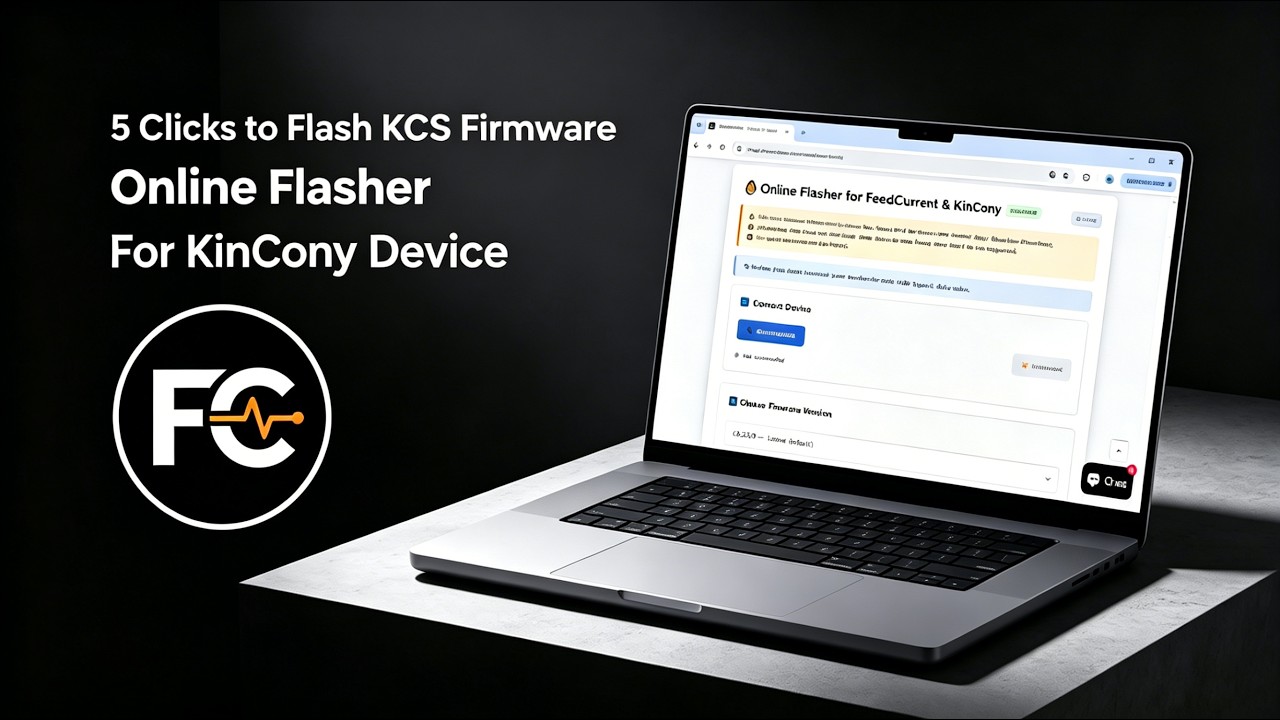
We recommend using the Online Flasher — no driver installation required, works entirely in your browser. Alternatively, follow the Quick Start Guide for manual flashing with the ESP32 desktop tool.
Step 2: Connect & Configure
Power on the board, connect via Ethernet or Wi-Fi, and access the web configuration interface. For detailed configuration, see the KCS Firmware User Guide.
Step 3: Integrate
Enable MQTT auto-discovery in Home Assistant, or pair with Tuya App for voice control.
IV. Video Tutorial: How to Flash KCS Online
No Drivers Needed, No Complex Setup—Flash Directly within Your Browser in 1 Minute!
Looking for software solutions for other products?
View All Product Software Solutions →