

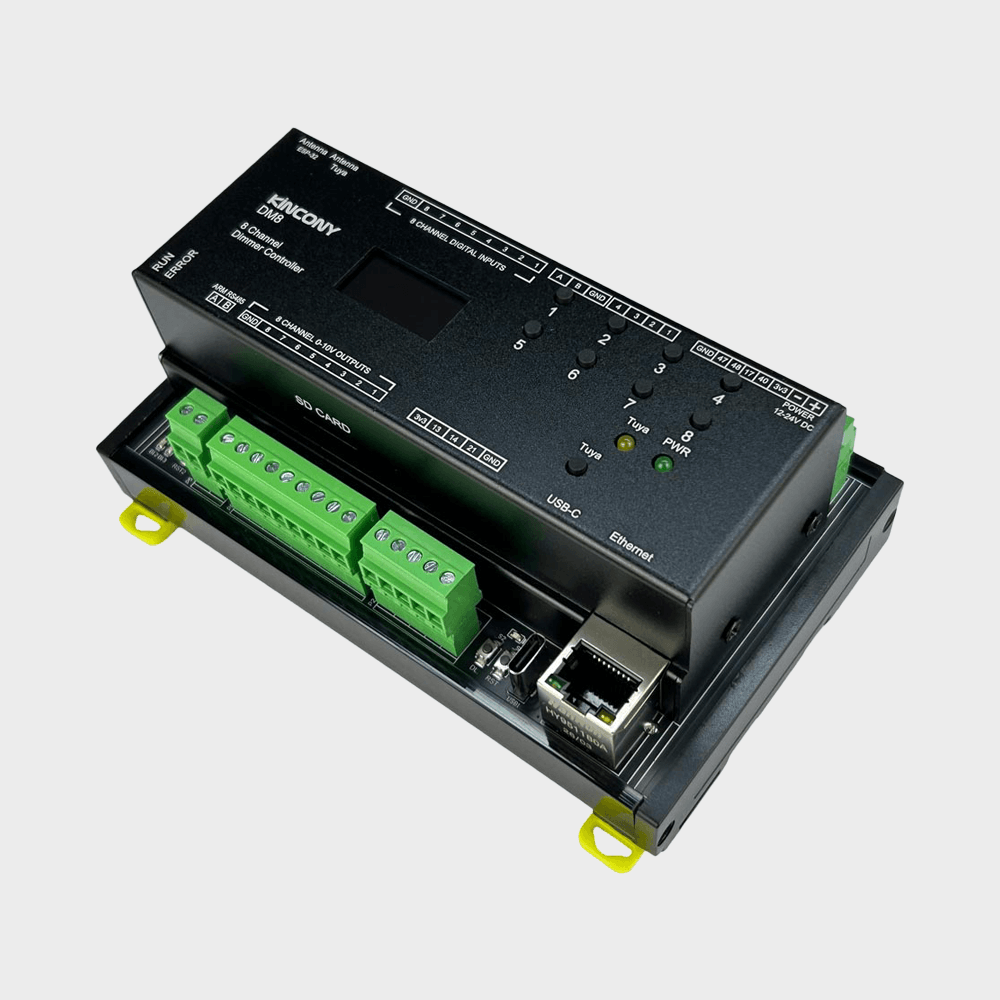


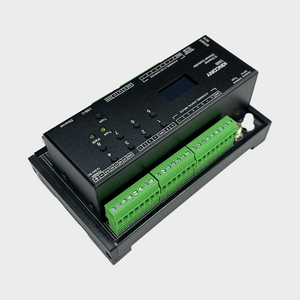
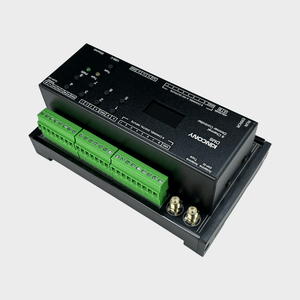
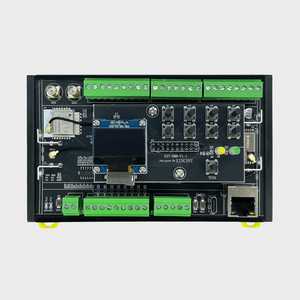
KinCony DM8 8-Channel Dimmer Controller
Frequently Bought Together
The KinCony DM8 steps up from the DM4 by doubling the analog output channels while keeping the same compact DIN rail form factor and feature set. With eight independent 0-10V DC output channels, it is well suited for multi-zone lighting systems, HVAC control across several air handling units, or any application where you need smooth, precise analog control over more circuits than a four-channel board can handle. Built on the ESP32-S3 with dual RS485 ports, Ethernet, Wi-Fi, and full open firmware support, the DM8 is equally at home in a smart home panel or a small commercial installation.
Why You'll Love This Controller
✔ The Right Channel Count
Eight channels covers most multi-zone lighting or HVAC setups without paying for capacity you won't use. It is a practical middle tier between the DM4 and the DM32. matters.
✔ Industrial-Ready Inputs
Dual RS485, 4-20mA current loop support, and optically isolated digital inputs make the DM8 a legitimate choice for light industrial applications, not just home automation.
✔ Modbus Out of the Box
The dedicated ARM co-processor RS485 port handles Modbus RTU independently, so you can run fieldbus communications without tying up the ESP32-S3 or writing complex serial interrupt code.
✔ Works With Everything
Home Assistant via MQTT auto-discovery, Tuya app, ESPHome, Tasmota, Apple HomeKit, Alexa, Google Home, and Loxone Miniserver. No compromises on platform compatibility.
✔ Open Firmware, Full Control
Flash KCS v3 for a turnkey experience, or drop into Arduino IDE, MicroPython, or ESP-IDF for complete custom firmware. Every GPIO and peripheral is accessible.
Among other outstanding features are the following:
- Dual-Network Connectivity: Wi-Fi and 100Mbps Ethernet operate simultaneously, with Bluetooth and USB-C also available. The dual RS485 configuration further broadens integration options for mixed wired-wireless installations.
- Multi-Protocol Support: HTTP, MQTT, TCP, RS485 Modbus, and Tuya app are all supported. KCS v3 firmware adds local IFTTT-style automation and zero-config Home Assistant auto-discovery via MQTT.
- Apple HomeKit and Loxone Integration: KCS v3 firmware includes Apple HomeKit support for Siri voice control and native Loxone Miniserver integration, alongside Tuya, Home Assistant, ESPHome, and Tasmota.
- Free GPIO Pins: Four additional GPIO channels connect directly to the ESP32-S3 for custom sensor or peripheral connections beyond the standard I/O.
- 1-Wire GPIO Channels: Four 1-Wire GPIO channels with onboard pull-up resistors are ready for DS18B20 temperature sensors or other compatible devices.
- Cloud Service: Official store purchases include two years of free KinCony cloud service for remote browser-based monitoring and control from anywhere.
Technical Specifications:
| Category | Specification |
|---|---|
| Core Processor | ESP32-S3-WROOM-1U (N16R8, dual‑core 32‑bit Xtensa LX7) |
| Digital Outputs | 8× 0-10V DC Dimming Outputs |
| Analog Inputs | 4× 16‑bit ADC (ADS1115) ▪ 2× 0–5 VDC ▪ 2× 4–20 mA (loop‑powered) |
| Digital Inputs |
8× dry contact, opto‑isolated ▪ Cable length: up to 500 m (dependent on installation) |
| Digital I/O (GPIO) | ▪ 4× 1‑Wire GPIO (with pull‑up) ▪ 4× free GPIO (direct to ESP32, no pull‑up) |
| Wireless Connectivity | ▪ Wi‑Fi 2.4 GHz (802.11 b/g/n) ▪ Bluetooth 5.0 (BLE) |
| IoT Platform | Tuya‑compatible (via Wi‑Fi/Bluetooth) |
| Wired Connectivity | ▪ Ethernet: 100M RJ45 (IPv4/IPv6) ▪ 2× RS485 (one dedicated for ARM CPU Modbus, one for ESP32) ▪ USB‑C (power/programming) ▪ I²C (expansion) |
| Onboard Peripherals | ▪ RTC: DS3231 (battery socket) ▪ Display: SSD1306 128×64 OLED (I²C) ▪ Storage: microSD card socket (SPI bus) |
| User Interface | ▪ 4× buttons: ESP32 Reset, ESP32 Download, Tuya Config, ARM CPU Reset |
| Power Supply | 12-24 VDC |
| Dimensions | 140 × 83 × 59 mm |
| Mounting | 35 mm DIN rail (EN 60715) |
I. Firmware Options & Features
| Solution | Ideal For | Key Advantages |
|---|---|---|
| 1. KCS Firmware (Recommended) | Beginners / Zero-Code Users |
✔ Auto-detects Home Assistant via MQTT (zero config) ✔ Works with Tuya App + Alexa/Google Voice Control ✔ Local IFTTT automation (no internet needed) ✔ 2-year free KinCony Cloud (official store only) ✔ Apple HomeKit support for Siri ✔ Supports Loxone Miniserver integration ✔ Multi-protocol: HTTP, MQTT, TCP, RS485 Modbus |
| 2. ESPHome Firmware | Home Assistant Enthusiasts |
✔ Full open-source customization ✔ Official ESPHome device support for DM8 ✔ Web UI + deep HA integration ✔ Full YAML examples available |
| 3. Tasmota Firmware | Open-Source Community |
✔ Massive plugin ecosystem ✔ MQTT / Web control + rule engine |
| 4. Arduino / ESP-IDF Custom Code | Developers |
✔ Full Arduino demos provided ✔ Supports MicroPython / ESP-IDF |
| 5. Hybrid Setup (Best Practice) | Advanced Users | Tuya App (remote via internet) + Home Assistant (local via LAN) — Security + convenience |
II. Technical Resources
Direct links to pin definitions, ESPHome configurations, Arduino demo source codes, and KCS firmware. All open-source and maintained on GitHub.
| Resource | Link |
|---|---|
| KCS Firmware | kcs_firmware/DM8/ |
| Pin Definitions | DM8_pin_definition.md |
| Arduino Demos | DM8/ (10 examples) |
| ESPHome Configuration | Official ESPHome DM8 device page |
III. Getting Started Guide
Step 1: Flash Firmware
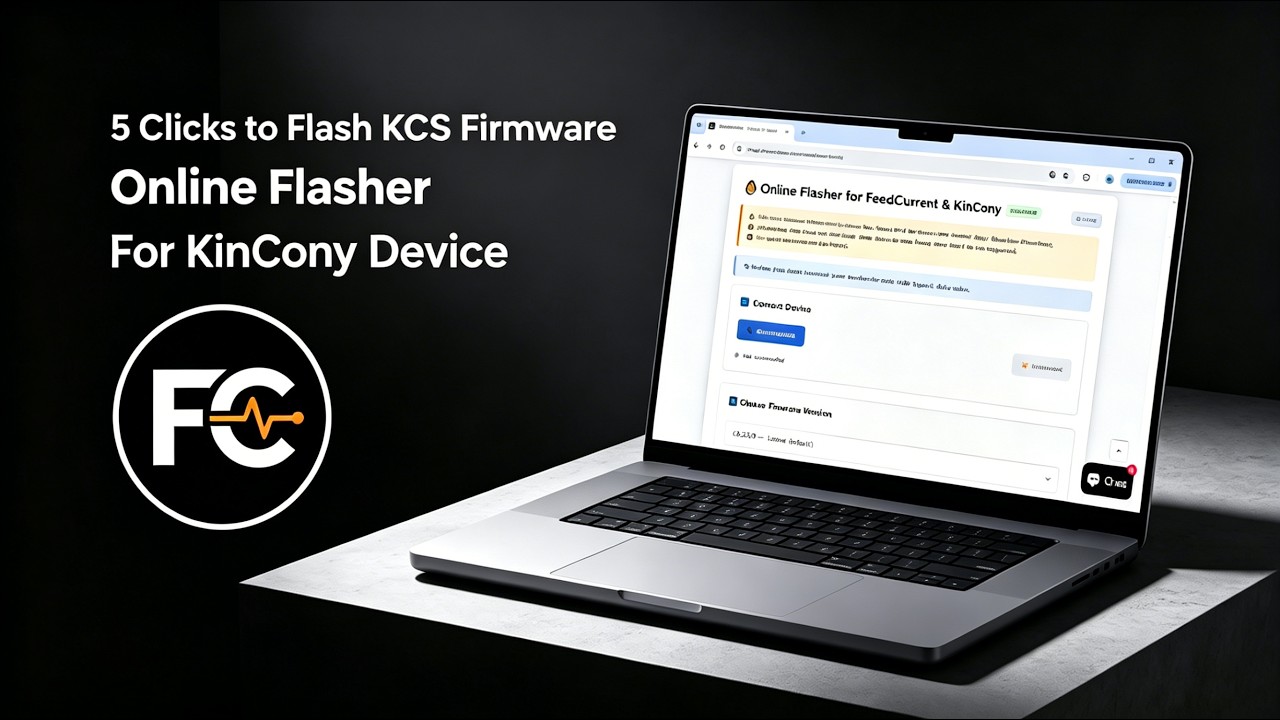
We recommend using the Online Flasher — no driver installation required, works entirely in your browser. Alternatively, follow the Quick Start Guide for manual flashing with the ESP32 desktop tool.
Step 2: Connect & Configure
Power on the board, connect via Ethernet or Wi-Fi, and access the web configuration interface. For detailed configuration, see the KCS Firmware User Guide.
Step 3: Integrate
Enable MQTT auto-discovery in Home Assistant, or pair with Tuya App for voice control.
IV. Video Tutorial: How to Flash KCS Online
No Drivers Needed, No Complex Setup—Flash Directly within Your Browser in 1 Minute!
Looking for software solutions for other products?
View All Product Software Solutions →